Ready-to-Use Starlink Rental
Ready-to-use Starlink for remote projects — we install everything.
Order the service and FieldRivva handles the rest: we assess your site, bring the Starlink equipment, mount it, configure the Wi-Fi, and manage it for a simple monthly fee.
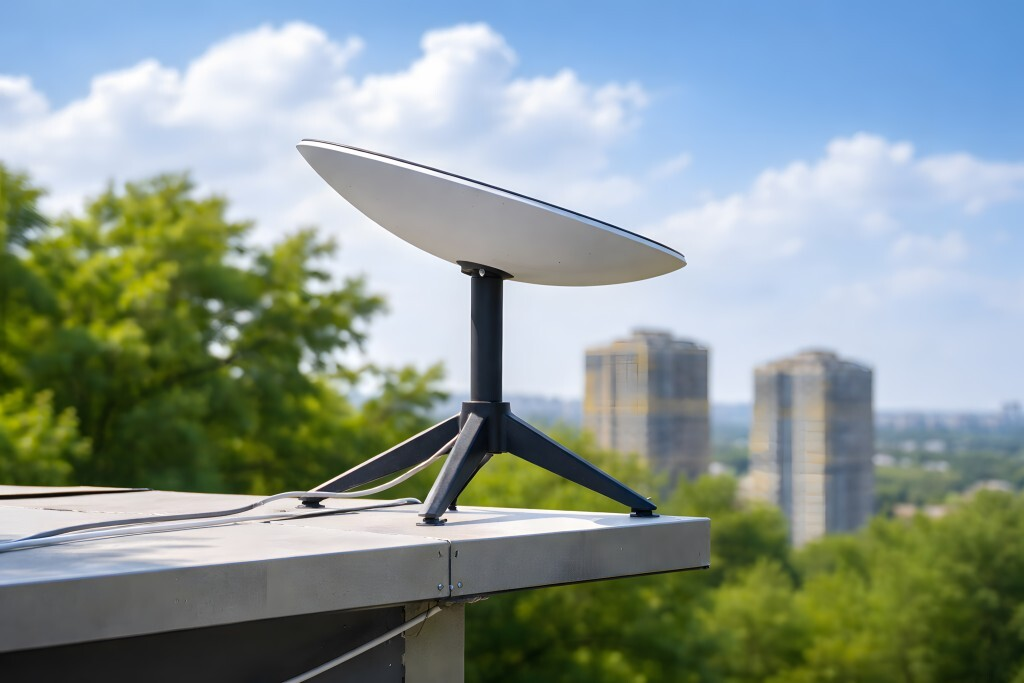
Built for remote work
Internet where traditional providers do not reach.
For rural builds and temporary operations, FieldRivva turns satellite connectivity into a field-ready managed service.
- 01Remote projects beyond wired broadband coverage
- 02Short- and medium-term builds with changing schedules
- 03Operations that need a fast, engineered connection without satellite setup expertise
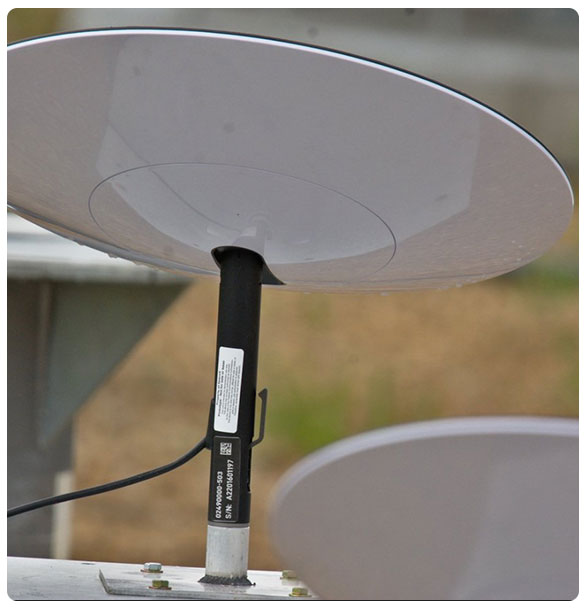
Technical details
Reliable by design. Simple to use.
Site placement is planned for clear sky visibility and safe cable routing.
Enterprise-grade routers distribute the Starlink connection across your crew and devices.
Battery and UPS backup options protect connectivity during brief power outages.
What’s included
A managed ready-to-use starlink rental service — not equipment left at the gate.
FieldRivva brings the field work, configuration, and monthly support together so the project team has one accountable partner.
- 01
Starlink hardware supplied as a ready-to-use rental
- 02
Safe mounting, cable routing, router setup, and Wi-Fi configuration
- 03
Clear-sky placement assessment before deployment
- 04
Monthly support and removal when the work is finished
How the service starts
A clear path from site conversation to working system.
Share the remote location, site schedule, and coverage needs.
We confirm satellite placement and arrive with the full kit.
We test the connection and hand over a working Wi-Fi network.
When to choose it
A good fit when the job needs practical support.
- Rural builds and remote sites
- Projects outside wired broadband coverage
- Temporary operations with changing timelines
Helpful answers
Ready-to-Use Starlink Rental FAQs
What is included with Ready-to-Use Starlink Rental?+
Order the service and FieldRivva handles the rest: we assess your site, bring the Starlink equipment, mount it, configure the Wi-Fi, and manage it for a simple monthly fee. FieldRivva scopes the equipment, installs and tests it, hands over the agreed access, supports the service monthly, and coordinates removal or changes when the project is complete.
Do we need to purchase or configure any equipment?+
No. The service is designed as a managed monthly rental. FieldRivva provides the selected equipment, handles the field setup, and keeps the technical work off the project team’s list.
How is the service designed for the site?+
Site placement is planned for clear sky visibility and safe cable routing. Enterprise-grade routers distribute the Starlink connection across your crew and devices. Battery and UPS backup options protect connectivity during brief power outages.
What happens during a power outage?+
UPS and battery backup are included with the Premium plan and can also be added to other managed services when the site needs short-outage protection. We scope the backup around the selected service, critical equipment, and expected power conditions before installation.
Can the service change as the project changes?+
Yes. Let FieldRivva know when the timeline, coverage area, trailer location, user count, camera requirements, or critical devices change. We can plan a managed adjustment instead of leaving the site team to reconfigure equipment.
What happens at project closeout?+
FieldRivva coordinates the removal of rented equipment around closeout. Your team does not need to uninstall, store, return, or dispose of the temporary hardware.